Logo Design
|
Jan 11, 2026
DIY Logo Design: Can You Create Your Own?
Not everyone needs a $10,000 custom logo—but not everyone should use a free logo maker either. Learn when DIY makes sense, what skills you actually need, and how to avoid common pitfalls.
The Truth About DIY Logos: No Gatekeeping, Just Reality
Let's cut through the noise from two opposing camps that dominate this conversation. Professional designers often insist that DIY logos are always terrible and everyone needs custom work—conveniently, since that's what they sell. Meanwhile, logo maker apps promise anyone can create "professional" results in minutes. The actual truth is more nuanced and depends entirely on your specific situation, resources, and where you are in your business journey.
Creating your own logo is absolutely possible and sometimes the smartest choice. It's also sometimes a false economy that costs more in lost credibility than you save in design fees. Understanding when DIY makes sense, what skills and tools you actually need, and how to avoid common pitfalls helps you make an informed decision rather than falling for marketing from either extreme of this debate. Your brand identity is too important for ideological arguments—what matters is what actually works for your situation.
When DIY Logo Design Actually Makes Sense
DIY logos work best in specific scenarios where the cost-benefit calculation genuinely favors doing it yourself. Side projects and personal brands that might never generate significant revenue don't justify professional design investment. Testing a business idea before committing serious resources makes sense with a placeholder logo that can be upgraded later. Very tight startup budgets where design fees would delay launch may warrant DIY approaches as a temporary solution. Internal tools, hobby projects, and events that don't require external credibility can absolutely use simpler solutions.
The key question is: what's the actual cost of a less-than-perfect logo in your specific situation? For a local food blog or Etsy shop selling handmade crafts, a thoughtfully executed DIY logo may serve perfectly well for years. For a consulting firm pitching Fortune 500 clients or a startup seeking venture funding, the credibility gap from amateur-looking branding could cost far more than professional design fees. Honest assessment of your audience's expectations and the role visual credibility plays in your success should drive this decision.
When DIY Logo Design Sets You Up for Problems
Certain situations almost always demand professional design work, and pushing forward with DIY in these contexts usually proves to be false economy. Funded startups seeking investors need to signal competence and seriousness through every touchpoint, including visual identity. Businesses in premium or professional service industries face credibility judgments based heavily on presentation quality. Companies planning significant marketing spend will multiply the impact of logo quality—good or bad—across every dollar spent. Brands competing directly against well-designed competitors will suffer by comparison.
The most common DIY pitfall isn't creating an ugly logo—it's creating one that's merely adequate. Adequate logos don't actively repel customers, but they also don't build brand equity or differentiate you from competitors. They're forgettable, generic, and fail to do the strategic work that good branding accomplishes. When you calculate the true cost of DIY, factor in this opportunity cost—not just what you might lose, but what you fail to gain from professional work that actively strengthens your brand.
The Real Cost of "Free" Logos: Licensing Nightmares Ahead
Here's something that catches many DIY designers off guard: the legal complications of logo elements sourced from free resources. That clever icon you found on a free download site may have licensing restrictions that prohibit commercial trademark use. The font you used might be free for personal projects but require expensive commercial licenses. Even AI-generated logos can present intellectual property questions that haven't been fully settled in courts. Using unlicensed elements in your logo creates legal liability that can surface years later with expensive consequences.
Before incorporating any element into a logo you plan to trademark and use commercially, verify its licensing terms explicitly. Many free resources are licensed for personal or editorial use only—commercial trademark use is a different category with different requirements. When in doubt, use only elements you've created from scratch, purchased with explicit commercial trademark rights, or sourced from genuinely unrestricted repositories. This isn't paranoid caution; businesses do receive cease and desist letters over logo element licensing, sometimes years after initial creation.
Skill Requirements: What You Actually Need to Learn
Creating a decent DIY logo requires more than downloading an app—it demands at least basic competence in several areas. Visual design fundamentals including balance, proportion, and negative space can't be skipped; without them, you'll create logos that feel "off" without understanding why. Typography basics matter because most logos include text, and font selection, pairing, and spacing are learned skills you can practice quickly with a font generator before committing to a typeface. Software proficiency with vector design tools (not Photoshop—logos need to be vector-based for scaling) takes time to develop. Color theory helps you make choices that work across applications and communicate appropriate brand attributes.
Don't underestimate the time investment. Learning these fundamentals to a level where you can produce professional-quality results typically takes months of study and practice, not a weekend. The question becomes: is that time investment worthwhile given your other priorities? For someone genuinely interested in design who will use these skills repeatedly, absolutely. For someone who needs a logo once and would rather spend that time on other aspects of their business, probably not. Be honest about whether you're actually going to develop these skills or just hoping that enthusiasm compensates for knowledge.
Tool Overview: Free vs. Paid Options Compared Honestly
Free tools like Canva, Hatchful, and various AI logo generators serve different purposes than professional design software. They're excellent for creating quick, good-enough graphics and can produce acceptable results for casual or temporary logo needs. They're limited by template-based approaches, restricted customization, and the reality that thousands of other users have access to the same elements. Truly unique, distinctive results are nearly impossible with free tools, though serviceable results are achievable.
Professional tools like Adobe Illustrator, Affinity Designer, or Figma provide the control needed for original logo creation but require significant learning investment. They're overkill if you just need a quick placeholder, worthwhile if you're committed to developing design skills, and necessary if you want truly custom results. The middle ground—affordable tools with professional capabilities—has expanded considerably, making the software cost less prohibitive than the skill development required to use it effectively.
The Middle Ground: Using Logo Templates Intelligently
Between DIY from scratch and hiring a professional lies a middle path: starting from high-quality templates and customizing them thoughtfully. This approach acknowledges that creating truly original logos requires skills most non-designers don't have, while recognizing that good foundations can be adapted to create something better than generic logo makers produce. Templates from quality sources provide professional starting points that can be modified for your specific needs.
The key is meaningful customization. Simply changing colors and typing your company name into a template produces the same generic result as logo maker apps. Genuine customization means understanding what makes the template work, making modifications that maintain design integrity while creating something distinct, and potentially combining elements from multiple sources into a coherent whole. This requires enough design knowledge to modify responsibly—which brings us back to skill development, though less extensive than creating from scratch.
How Free Logo Resources Can Jumpstart Your Branding
Quality logo libraries and design resources offer another path: finding existing work that resonates with your brand direction and using it as inspiration or foundation. Resources like LogoToUse provide free, high-quality logos that can serve as placeholder branding for early-stage projects, visual inspiration for what direction to pursue with custom work, or starting points for customization if licensing permits. This approach is particularly valuable when you're still discovering your brand identity and aren't ready to commit to final custom work.
Using free resources responsibly means understanding their terms, acknowledging that others may use similar elements, and planning for eventual upgrade to unique branding as your business grows. Many successful companies launched with placeholder visual identities and invested in custom work after achieving initial traction. There's no shame in this approach—it's pragmatic resource allocation that prioritizes survival over polish during early stages, with intention to upgrade when resources permit.
When to Upgrade to Professional Design
Several signals indicate it's time to move beyond DIY solutions. Revenue growth means you can afford professional design and have more to lose from amateur presentation. Competitive pressure from well-branded competitors makes professional polish increasingly necessary. Marketing scaling means you're about to multiply the impact of your visual identity across significant advertising spend. Credibility requirements for investor pitches, major client pursuits, or industry positioning demand professional-level presentation.
The upgrade decision isn't just about whether your current logo is "bad"—it's about opportunity cost. A merely adequate logo may not be hurting you obviously, but professional branding actively helps in ways that become increasingly valuable as your business grows. At some point, the return on professional design investment exceeds the return on other uses of those funds. Recognizing that inflection point and acting on it is part of smart business building. When you do commission that work, settle the paperwork alongside it: copyright in a logo does not transfer automatically just because you paid for it, so put the assignment in writing and keep a signed transfer of rights on file before the final files change hands.
Red Flags That Your DIY Logo Isn't Working
Sometimes the honest assessment reveals that current DIY branding is actively undermining your business. Visible cringe from prospects when they see your logo is an obvious signal. Difficulty explaining what the logo represents suggests concept problems. Reproduction failures at different sizes indicate technical issues. Frequent confusion with other brands points to distinctiveness problems. Feedback that your business "looks smaller" or "less established" than it actually is suggests credibility gaps.
Pay attention to these signals rather than defending design decisions emotionally. Your logo exists to serve your business, not the other way around. If it's not serving effectively, that's valuable information regardless of how much effort went into creating it or how personally attached you've become. The willingness to honestly evaluate whether DIY is still appropriate—and upgrade when it isn't—separates strategic brand builders from those who let pride or inertia undermine their business growth.
Frequently Asked Questions
How long does it take to learn enough design to create a good logo?
Developing fundamental design skills to produce genuinely professional-quality logos typically requires 3-6 months of consistent study and practice. This varies based on starting point, learning intensity, and natural aptitude. Weekend crash courses won't produce professional results, regardless of what they promise.
Are AI logo generators good enough for real businesses?
They can be adequate for early-stage validation, placeholder branding, or businesses where visual identity plays a minor role. They're insufficient for businesses competing on brand perception, seeking investment, or operating in industries with high presentation expectations. Know your context.
What's the biggest mistake people make with DIY logos?
Underestimating the gap between what looks acceptable to the creator and what reads as professional to target audiences. Creators become blind to flaws through familiarity. Getting honest external feedback from people in your target market, not friends and family, is essential.
Should I use my DIY logo while saving for professional design?
Yes, if you understand it's temporary and plan concretely for upgrade. Waiting until you can afford professional design before launching means delayed revenue that might fund that design work. Launch with what you have, then upgrade strategically as resources permit.
DIY has moved past the template era
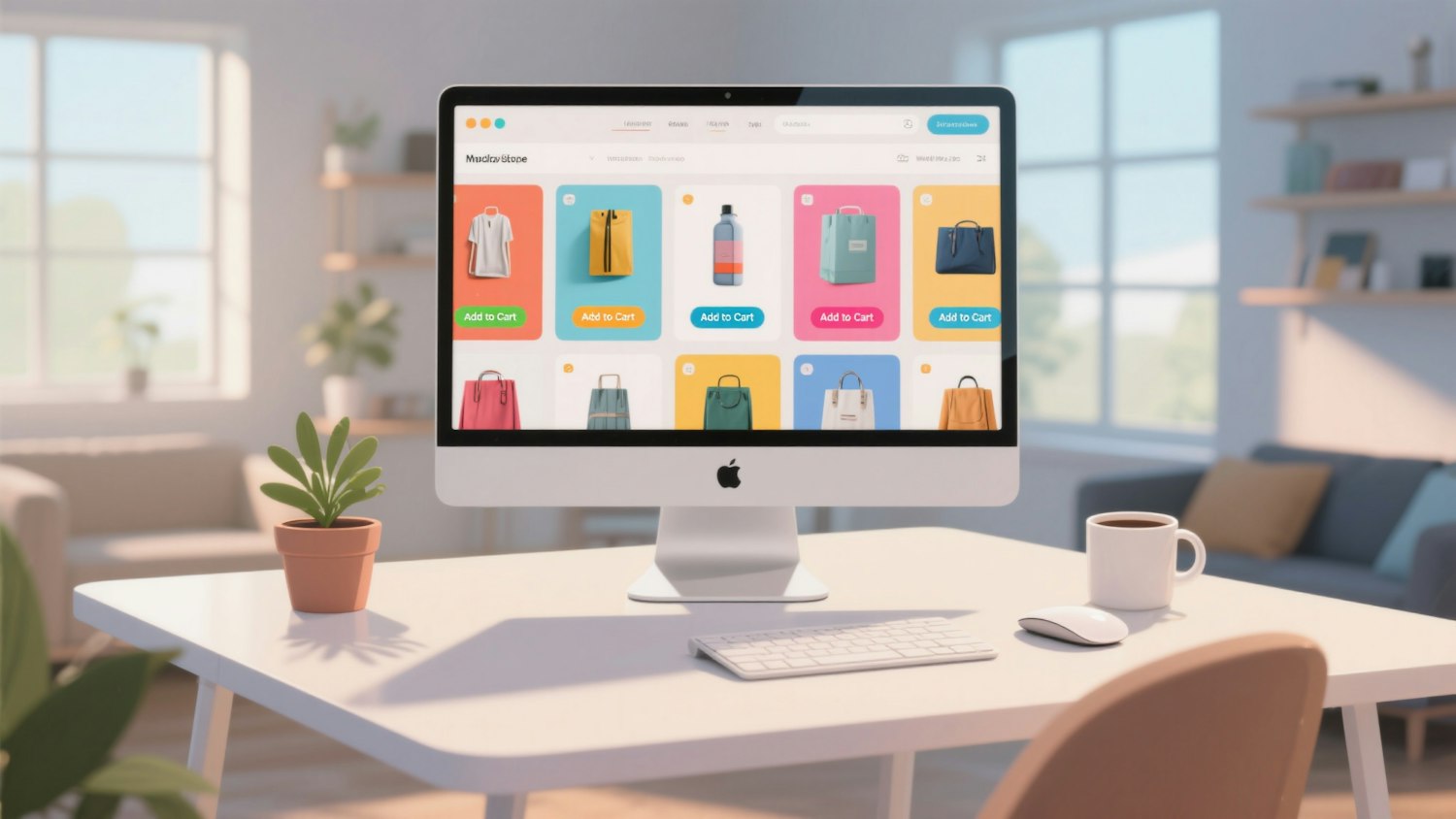
The same question now applies to the website. Drag-and-drop builders were the DIY answer for a decade, and they are steadily being replaced by prompt-driven tools. Modulify's piece on why AI builders are replacing no-code explains what actually changed, and is honest about where doing it yourself still runs out of road.
Read more
Subscribe to get fresh stories, tips, and logo resources delivered straight to your inbox.