Design Resources
|
Feb 25, 2026
Top 10 Essential Tools for Digital Nomad Designers in 2026
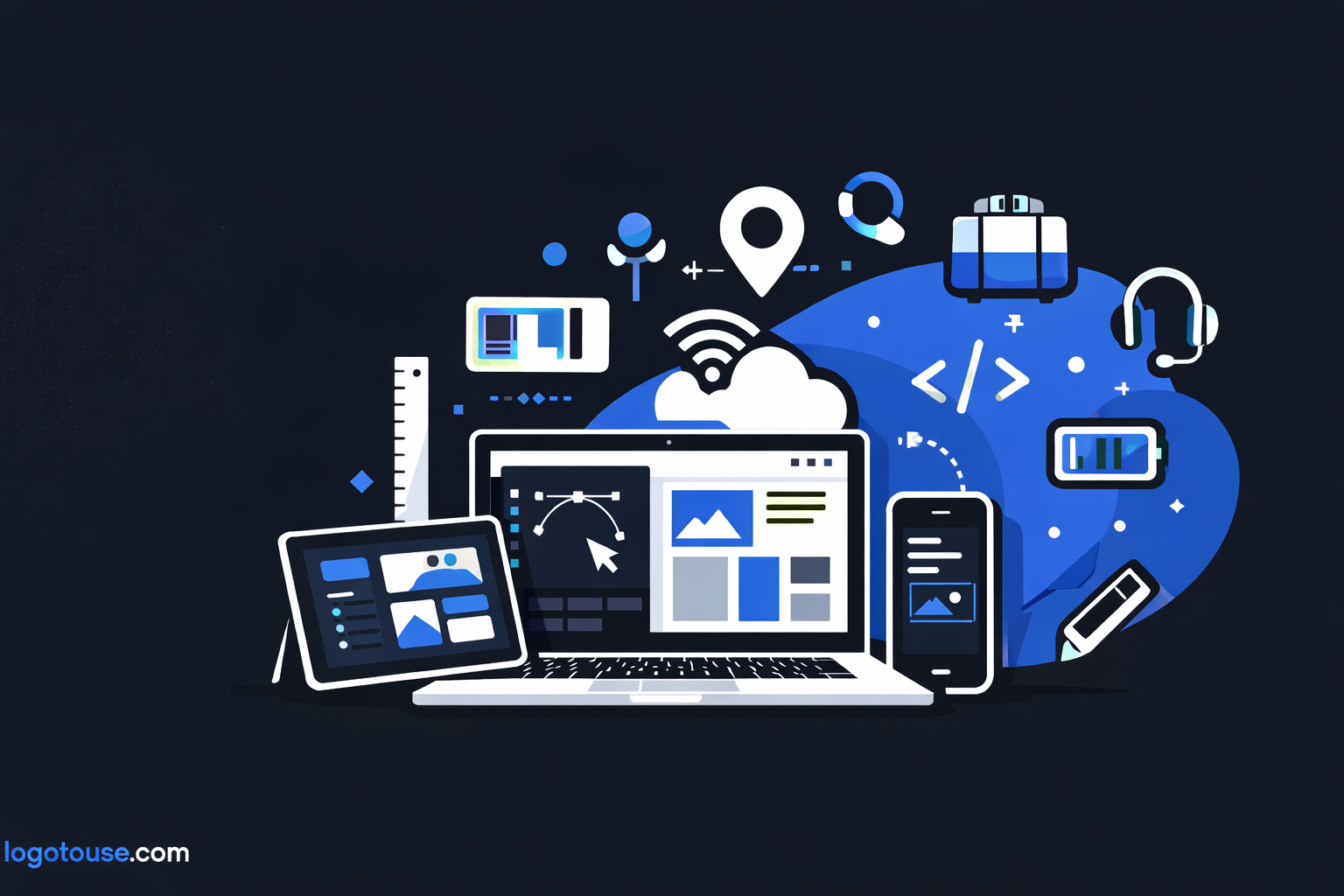
Remote design used to be a luxury. In 2026, it’s the standard. Over 60% of freelance designers now work fully remote, and thousands identify as digital nomads building logos in Lisbon, refining brand systems in Bangkok, and pitching typography concepts from coworking spaces in Mexico City.
But here’s the truth: talent alone isn’t enough. The essential tools for digital nomad designers in 2026 determine whether you thrive globally or struggle with unstable Wi-Fi, missed deadlines, and chaotic workflows.
If you’re building a sustainable remote design career, this is your complete toolkit.
Why Essential Tools for Digital Nomad Designers in 2026 Matter More Than Ever
Clients today expect:
- Instant file sharing
- Real-time collaboration
- Consistent brand typography across platforms
- Rapid turnaround times
Meanwhile, designers face:
- Time zone differences
- Cross-border payments
- Connectivity challenges
- Device limitations
Without the right remote design workflow tools, creativity becomes friction.
The modern digital nomad design setup must balance performance, portability, and connectivity. That’s what separates professionals from hobbyists.
Core Creative Software for Remote Designers
Adobe Creative Cloud
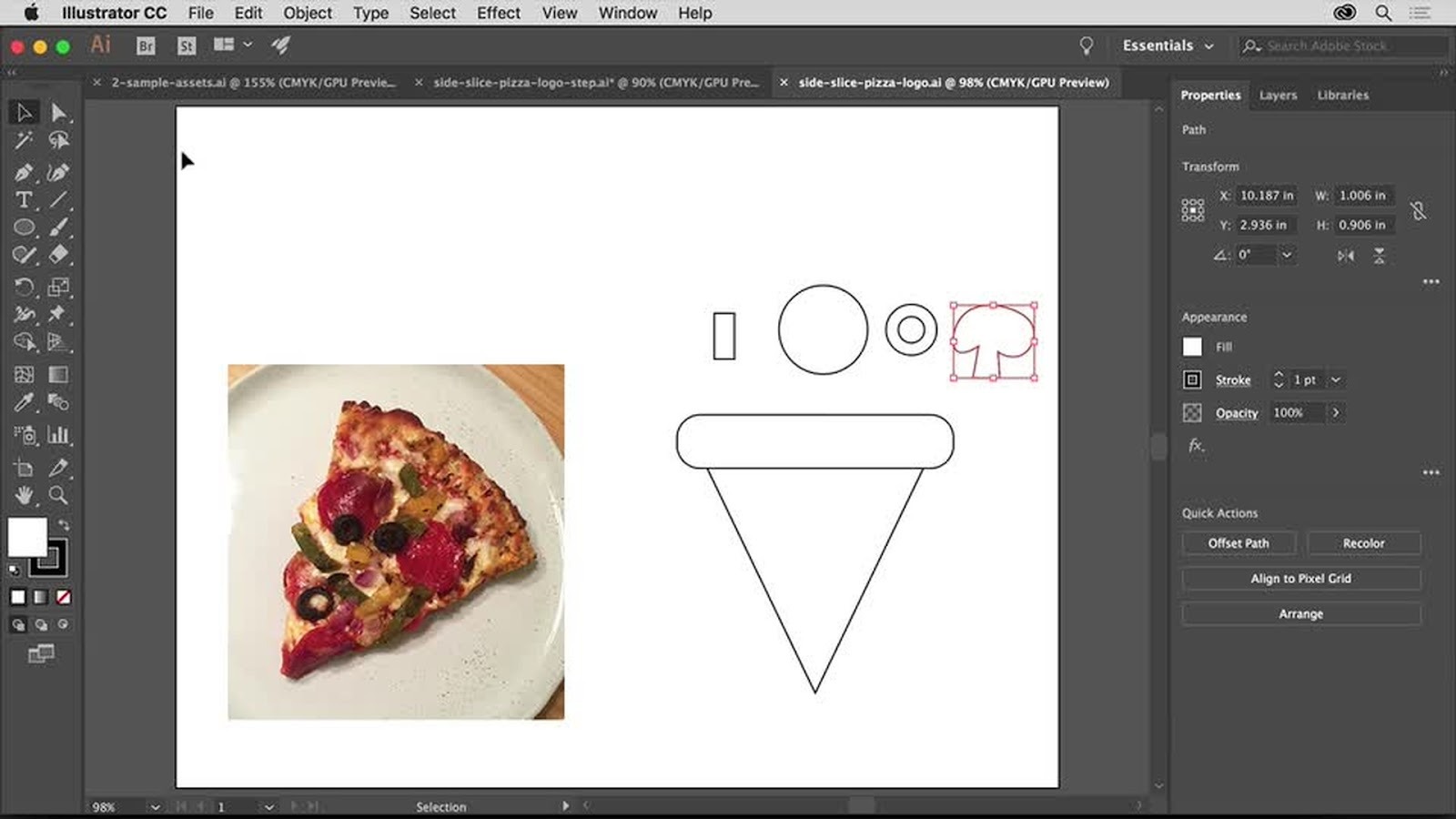
Still the gold standard for professional branding and logo design.
Why it remains essential in 2026:
- AI-assisted logo variations
- Cloud syncing across devices
- Full typography control
- Print + digital export optimization
Designers searching for “best software for freelance designers 2026” still land on Adobe tools.
Figma
Perfect for:
- UI/UX systems
- Logo presentation decks
- Client collaboration
- Shared brand guidelines
Figma reduces the need for large file transfers a lifesaver when staying connected while traveling.
Canva
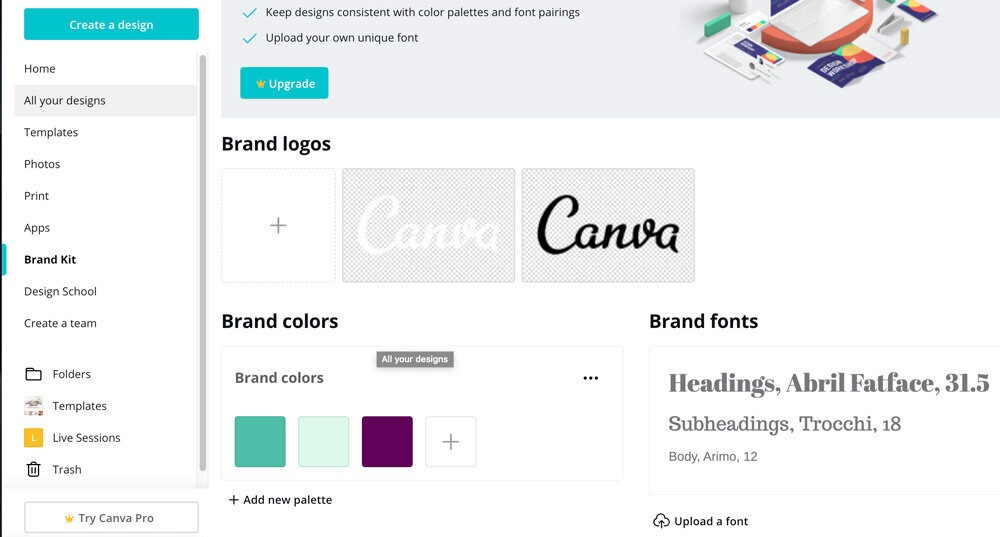
While professionals prefer Adobe for advanced branding, Canva is powerful for:
- Quick mockups
- Social templates
- Client content kits
For logo designers managing small businesses, it’s a fast productivity booster.
Connectivity: The Real Backbone of Remote Work
Let’s address the reality: an unstable internet can destroy a client relationship.
Video calls drop. Figma freezes. Files fail to upload.
That’s why connectivity is one of the most essential tools for digital nomad designers in 2026.
VIA eSIM
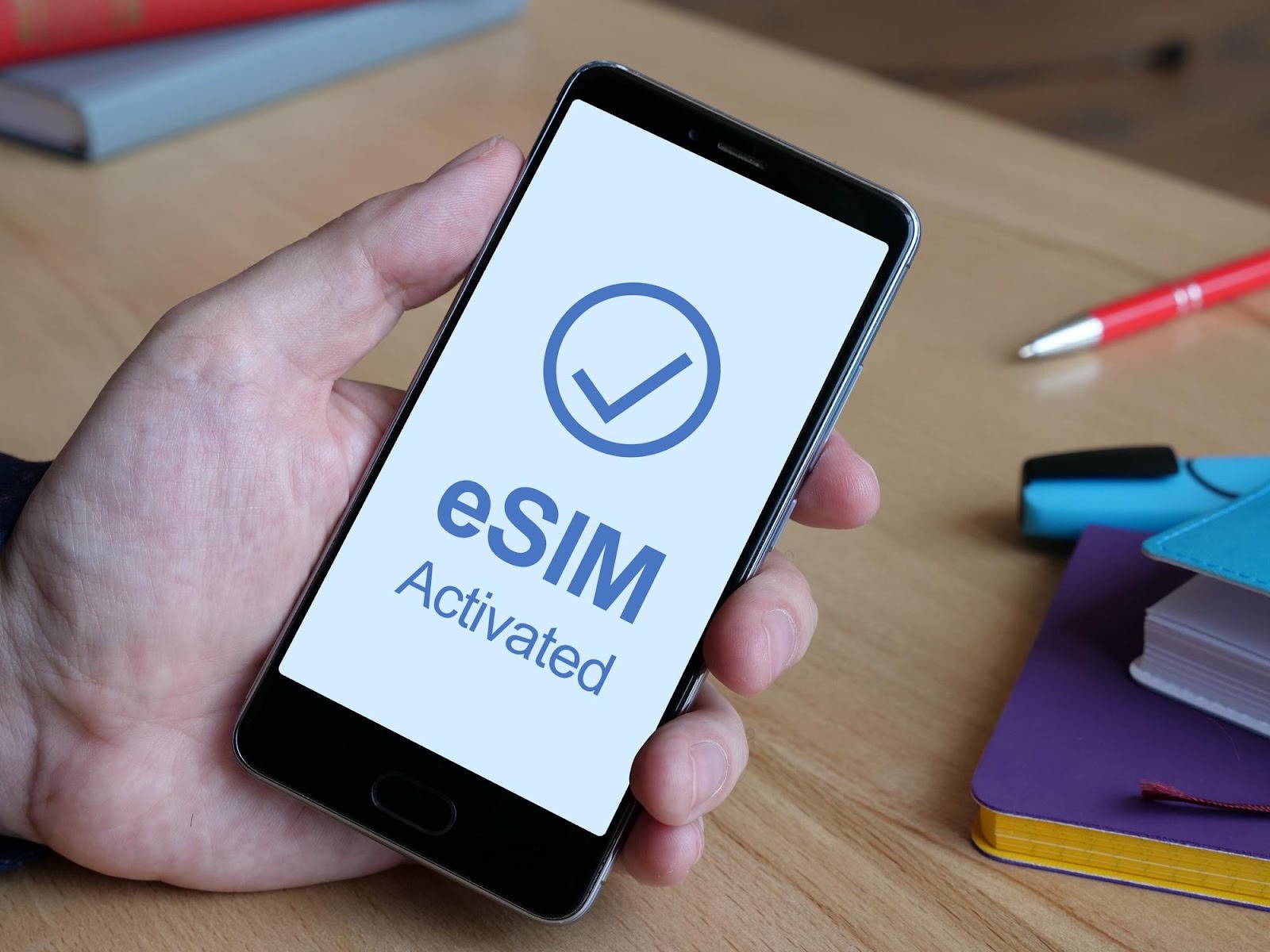
Instead of hunting for local SIM cards or paying expensive roaming fees, designers now rely on affordable eSIM packages.
Benefits include:
- Instant activation
- Multi-country coverage
- Reliable mobile hotspot backup
- No physical SIM swapping
For designers working across Europe or Southeast Asia, this ensures consistent access to cloud-based tools and client communication.
Connectivity is no longer optional it’s infrastructure.
Hardware That Powers a Mobile Design Career
MacBook Air
Lightweight and efficient, ideal for:
- Logo development
- Vector illustration
- Presentation decks
Battery life matters when you’re working from airports or trains.
iPad Pro + Apple Pencil
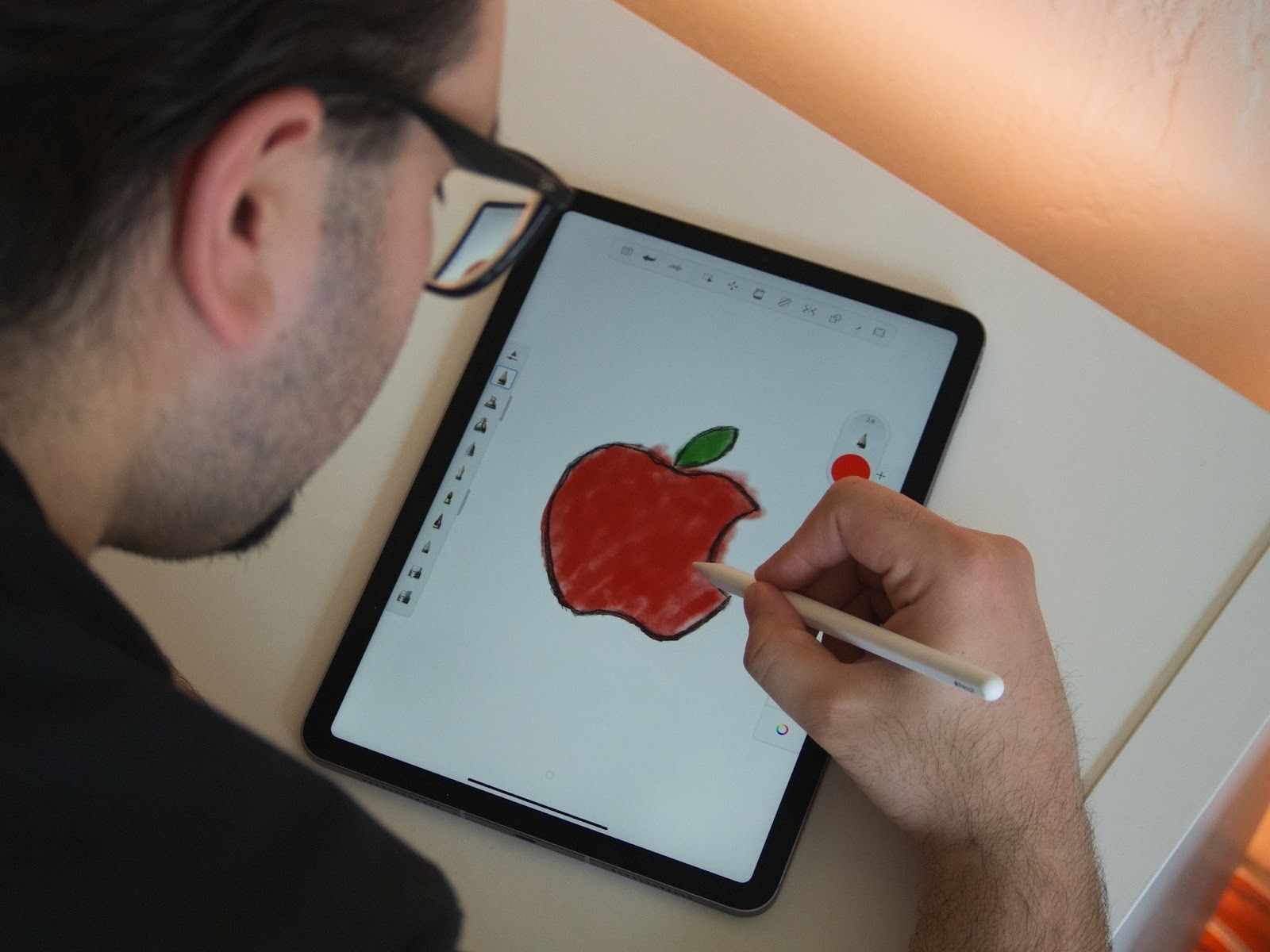
Great for:
- Hand-lettering
- Logo concept sketching
- Typography exploration
- Client revisions on the go
Apps like Procreate integrate smoothly into professional branding workflows.
Practical Tips for Designers & Marketers
1. Create a Cloud-First Workflow
Your remote design workflow tools should:
- Sync automatically
- Offer offline access
- Support team collaboration
Use cloud storage redundancies (Google Drive + Dropbox) to avoid catastrophic data loss.
2. Optimize Files for Mobility
Large PSD files can drain bandwidth even with affordable eSIM packages.
Best practices:
- Export lightweight presentation PDFs
- Compress preview files
- Send layered files only when finalized
- Archive completed brand assets
Efficiency improves both professionalism and speed.
3. Protect Client Assets
Travel increases cybersecurity risks.
Use:
- VPN services
- Two-factor authentication
- Encrypted storage
Protecting brand typography systems and logo source files builds trust with international clients.
Real-World Brand Examples & Inspiration
Airbnb

Airbnb operates globally, yet maintains a consistent visual identity. Its clean sans-serif typography system scales beautifully across digital platforms.
Notion
Notion’s minimalist logo and interface prove that simple branding travels well especially in SaaS ecosystems.
These companies demonstrate how strong brand systems support global audiences something every nomad designer should study, and pairing that research with a rotating list like the best photography websites for inspiration keeps the reference well from running dry between projects.
Tools, Resources & Workflow Hacks
To elevate your digital nomad design setup:
- Invest in noise-canceling headphones
- Use time zone scheduling apps
- Maintain a portable brand asset folder
- Keep offline design templates ready
- Bookmark a tax tool for the countries you bill into, so if any of your clients are German you can work out MwSt before you send the invoice
Font pairing hack:
Pair a geometric sans serif for logos with a humanist sans serif for body text. This balances modern branding with readability.
Internal link suggestions for Logotouse.com:
- “Best Logo Design Software Compared”
- “Modern Minimalist Logo Trends 2026”
- “How to Create a Scalable Brand Identity”
External resource suggestions:
- Adobe official font licensing guide
- AIGA branding standards resources
- Google Material Design documentation
Final Thoughts
The essential tools for digital nomad designers in 2026 go far beyond creative software. Success depends on a complete ecosystem of hardware, productivity systems, secure storage, and reliable connectivity.
From Adobe Creative Cloud and Figma to secure backups and affordable eSIM packages, your toolkit determines how freely you can design anywhere in the world.
Bonus tool: Modulify, for when the client also wants the site
Branding work increasingly ends with "can you do the website too?" Modulify turns a written brief into a live, editable site with hosting, a CMS and analytics included, which removes the usual handoff to a developer in a different time zone — the exact bottleneck that makes remote project work painful. If you are assembling a lean nomad stack, their rundown of the solo founder's 2026 AI stack pairs well with the tools above.
Read more
Subscribe to get fresh stories, tips, and logo resources delivered straight to your inbox.