Design Resources
|
Aug 26, 2026
The 2026 AI Toolkit for Brand and Web Designers
An honest look at where AI genuinely helps a brand and web design workflow in 2026, stage by stage, and the three places it still produces work you should not ship.
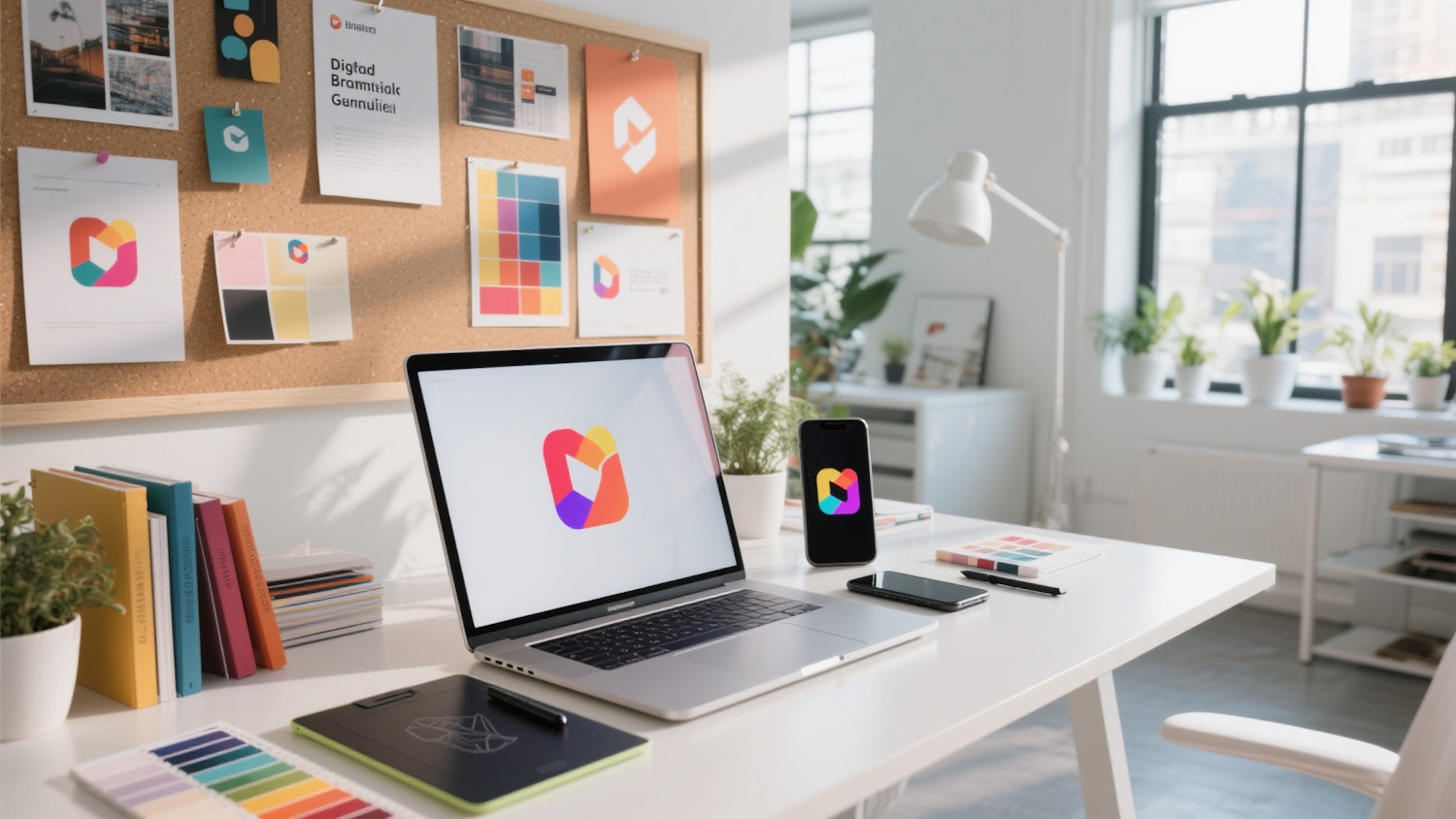
Two years ago the honest answer about AI in design work was "useful for moodboards, dangerous for everything else." That is no longer true, but the replacement answer is not "it does everything" either. It is more specific, and more useful, than both.
Here is where AI genuinely earns its place in a brand and web workflow in 2026, stage by stage, and the three areas where it still produces work you should not put your name on.
Stage 1: Research and positioning
This is the least glamorous and highest-value use. Before any visual work, you need to know what the competitive set already looks like, which visual territory is crowded, and what the client's customers actually say.
General-purpose assistants are genuinely good at synthesising review text, support transcripts and competitor copy into positioning notes. They are also good at generating the awkward questions you should be asking in a kickoff and did not think of.
What they are not good at: telling you which positioning is right. That judgement is still the job.
Stage 2: Concept exploration
Image models have become a legitimate part of early exploration, with one important caveat: they generate directions, not deliverables. Used to produce twenty rough visual territories in an hour so you can eliminate eighteen, they are excellent, especially alongside a running folder of references pulled from the best photography sites for inspiration. Used to produce a final mark, they produce something that looks approximately like a logo and falls apart the moment it needs to work at 16 pixels or in one colour.
Output quality depends almost entirely on how the request is written. Our guide to logo prompt engineering covers the structure that reliably produces cleaner results: style, symbol concept, palette and output constraints, stated separately rather than as one sentence.
For the broader argument about where this leaves professional practice, AI-generated logos versus human designers is worth reading before you promise a client either one.
Stage 3: Vectorising and cleanup
Everything an image model produces is raster, which means it is not a logo yet. Auto-tracing has improved considerably, but it still generates messy paths: hundreds of unnecessary anchor points, near-but-not-quite matching curves, and shapes that look fine at full size and break at small ones.
The realistic workflow is auto-trace to get the geometry roughly right, then redraw the important curves by hand. If you skip the second step, you will discover the problem later at the worst possible moment. Our explainer on vector versus raster files covers why this step is not optional.
Stage 4: Sourcing reference and client marks
Every mockup, deck and competitive audit needs other companies' logos, and hunting them down one at a time is a genuine time sink. This is what LogoToUse exists for: clean, correctly-formatted brand marks in colour, black and white variants, ready to drop into a comparison board or a client-logo strip without tracing anything from a screenshot. Page-level reference works the same way: keeping a Figma library such as Wonderlist open means a layout direction can be assembled and shown in an afternoon instead of drawn from nothing.
Stage 5: Building the website
This is where the biggest change has happened, and where most designers have not updated their assumptions. Until recently, the options were hand-coding, a visual builder with a real learning curve, or handing off to a developer and waiting.
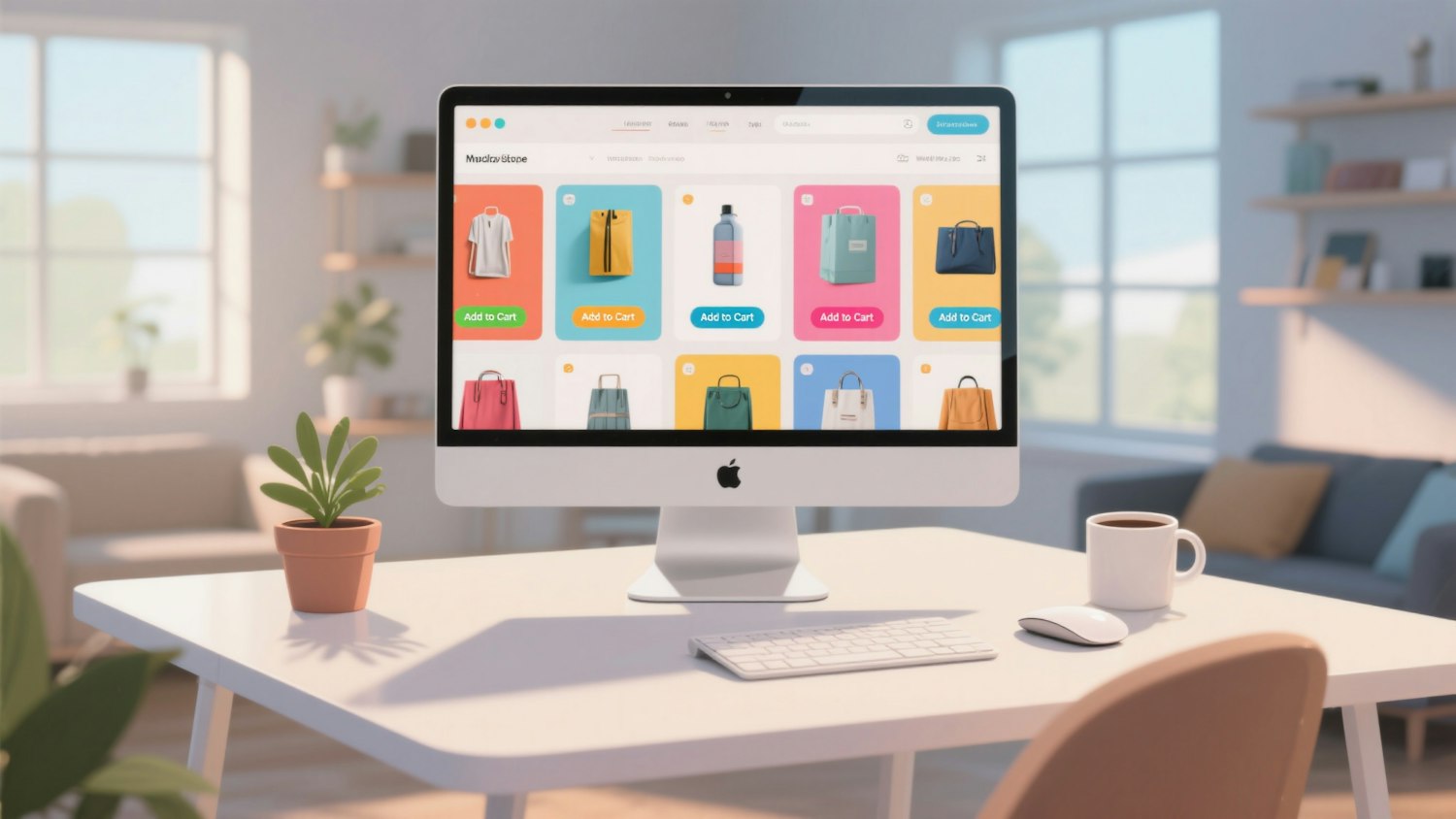
Prompt-driven builders removed the third option's waiting period. You describe the pages, the sections, the palette and the behaviour, and get an editable, responsive, hosted site back, which you then refine in plain language rather than in a settings panel. For a brand designer who has always stopped at the handoff, this is the difference between delivering a logo and delivering a launched brand.
Stage 6: Copy and content
Language models write competent first drafts of section headings, meta descriptions, alt text and microcopy. They write very poor final copy, because the specific detail that makes a page persuasive is exactly the detail the model does not have.
Treat generated copy as a structural placeholder: correct length, correct tone, wrong specifics. Then replace the specifics.
What AI still does badly
- Restraint. Generated identities and layouts consistently include more than they should. Removing things remains a human skill.
- Small-size behaviour. Models optimise for the size they render at. A mark that survives a favicon, an app tile and an embroidered shirt still has to be designed deliberately, which is what the principles of a good logo are for.
- Ownership and originality. Similarity to an existing mark is a legal problem, not an aesthetic one, and no model checks for it. Search before you present.
The realistic 2026 stack
Research assistant for positioning. Image model for early territories. Vector editor for the real drawing. A brand asset library for reference marks. A prompt-driven builder for the site. A language model for first-draft copy. Your own judgement for every decision that matters.
The tools removed the slow parts. They did not remove the difficult ones, and the gap between a designer using them well and one using them badly has widened rather than closed. If you are pricing this work, what a logo actually costs in 2026 is a useful companion read.
On the build step
The website stage is the one most brand designers still outsource, and the tooling has changed the most there. Modulify turns a written brief into a live, editable, hosted site with a CMS and analytics built in, which is why it fits at the end of an identity project rather than as a separate engagement. If you are comparing options first, their comparison of Lovable, Bolt, Replit, v0 and Modulify is unusually direct about trade-offs, and the solo founder's 2026 AI stack covers how the pieces fit together for a one-person studio.
Read more
Subscribe to get fresh stories, tips, and logo resources delivered straight to your inbox.